
Marketing Automation for Startups
What marketing automation is, when a startup is ready for it, the five workflows to build first, the tools worth considering and the mistakes that waste the effort.
By Suren, Founder & Growth Strategist at Gufy · Published · Last updated
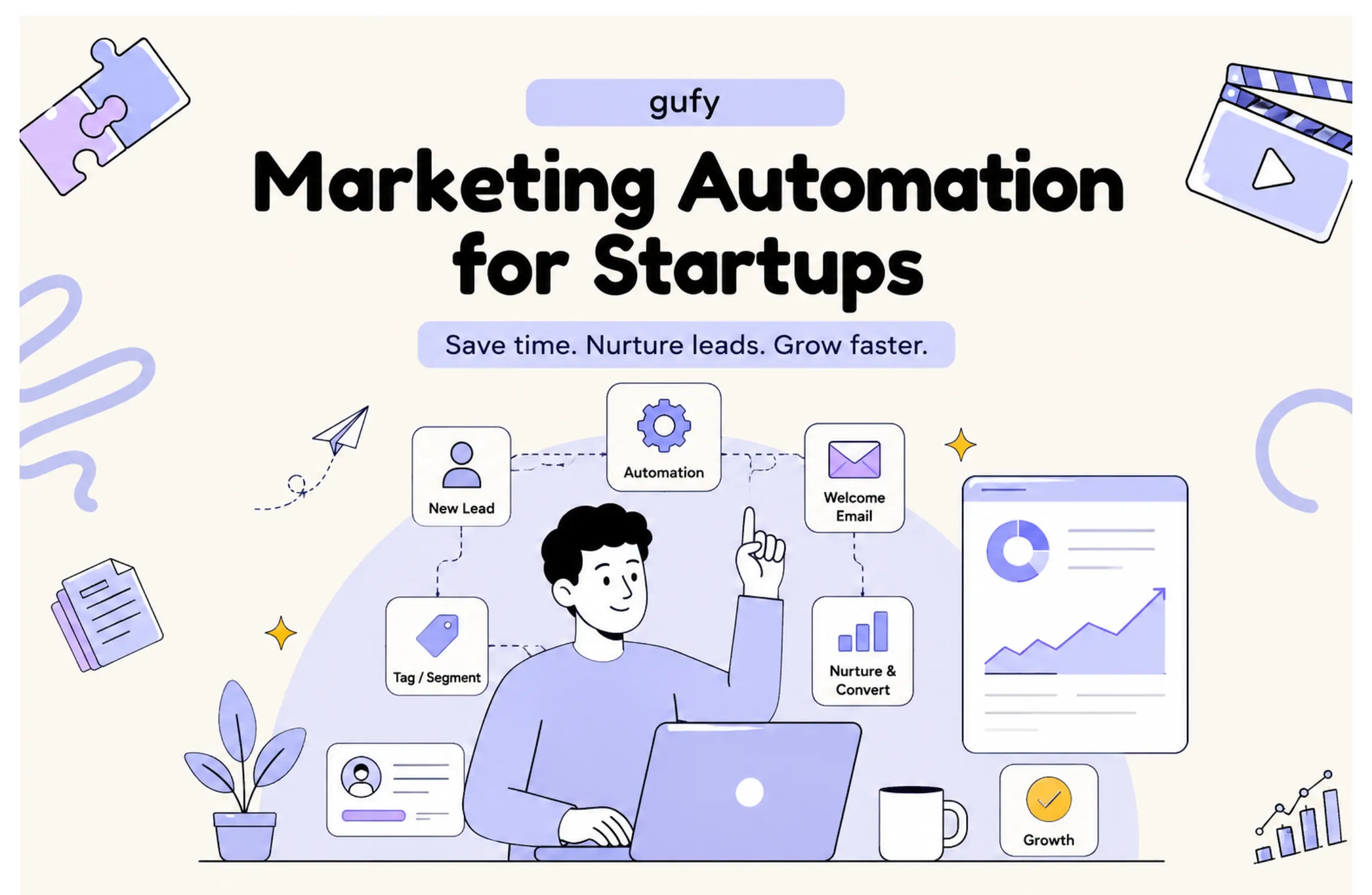
Marketing automation is software that sends a message or carries out a task when a lead or customer does something: signs up, stalls during setup, views your pricing, or goes quiet. For a startup the point is not to send more. It is to make sure the right follow-up happens every time, when the team is too small to do it by hand.
This guide covers when you are ready, the five workflows to build first, the tools worth considering, and the mistakes that waste the effort.
CRM or marketing automation?
| Aspect | CRM | Marketing automation |
|---|---|---|
| Job | Records who your leads and customers are, and where each stands | Acts on that record: sends messages, triggers tasks |
| Typical use | Sales pipeline, notes, deal stages | Welcome sequences, reminders, nurture, re-engagement |
| You need it when | You can no longer track leads in your head | The same follow-up is being done by hand repeatedly |
Many tools now do both. They are still two different jobs.
Are you ready for it?
| Your situation | What to do |
|---|---|
| A handful of users or leads | Write to them yourself. The replies are worth more than any workflow. |
| You do not yet know which message works | Test the message first. Automation will only deliver the wrong one faster. |
| The same follow-up is done by hand many times a week | Automate that one thing. |
| Leads or sign-ups are being forgotten | Start with the first two workflows below. |
| Sign-ups are not becoming active users | Build onboarding around what users do in the product. |
Why it matters for a startup
- It saves time on repetitive work. The team spends its hours on conversations, not reminders.
- Follow-up happens every time. No lead depends on someone remembering.
- Messages can respond to behaviour. A user who stalls gets help. A user who succeeds gets the next step.
- You can grow without adding the same amount of manual work.
- You learn from the data. Each workflow shows where people move forward and where they stop.
The five workflows to build first
Build them in this order, one at a time.
| Workflow | Trigger | What happens | Measure |
|---|---|---|---|
| 1. Lead follow-up | Someone fills in a form or books a call | Instant confirmation, the lead is added to the CRM, the team is notified, a short follow-up is sent if there is no reply | Share of leads contacted within a day |
| 2. Welcome and onboarding | A new sign-up | A welcome that points to one first action, then messages that depend on whether they have done it | Activation rate |
| 3. Stalled setup | A user starts and does not finish a key step | A nudge with help for that specific step | Share who complete it afterwards |
| 4. Lead nurture | A lead is interested but not ready | Useful content over time, with a prompt when they revisit pricing | Leads who return to a sales conversation |
| 5. Re-engagement | A user has been inactive for a set period | A relevant reason to come back | Share who become active again |
Appointment reminders and sales hand-offs are worth adding once these are running.
The strongest workflows are triggered by what a person does, not by the calendar. "Three days after sign-up" is weaker than "signed up but has not created a first project".
Tools worth considering
No single platform suits every startup. Choose by the job.
GoHighLevel: CRM and marketing automation
Useful when you need lead capture, pipeline, forms and funnels, email and SMS, booking and follow-up in one place. A new lead can be added to the pipeline, sent a message, flagged to the team and offered a booking link automatically.
Best for: lead generation, CRM, sales follow-up and funnels.
CleverTap: customer engagement
Suited to digital products and mobile apps, where engagement and retention matter. It segments users by behaviour and reaches them by push, email and in-app message.
Best for: onboarding, lifecycle marketing, retention and re-engagement.
Segment: connecting customer data
As a startup grows, customer data ends up spread across tools. Segment collects it once and sends it to your analytics, CRM, messaging and advertising platforms, so they all work from the same information.
Best for: customer data infrastructure.
PostHog: product analytics
Shows what users do inside your product: which features they use, where they drop out, and which actions lead to conversion. That behaviour can then trigger your automation.
Best for: product analytics, behavioural insight and experiments.
Mixpanel: understanding user behaviour
Another product analytics platform, strong on funnels, retention and cohorts. It helps you find the behaviour that separates users who stay from users who leave, which tells you what your onboarding messages should encourage.
Best for: funnels, retention and cohort analysis.
Other platforms
HubSpot, Brevo, Mailchimp, Customer.io and OneSignal are all widely used. For joining tools together, Zapier and Make cover most simple cases.
For help choosing a provider to set this up, see Marketing Automation Agencies: A Startup Selection Guide.
How to choose
- Start with the problem, not the platform. Write down the workflow you need before you look at tools.
- Match the setup to your stage. An early startup needs one tool and two workflows, not an enterprise suite.
- Check the tools work together. Your product, CRM and messaging tool must be able to share data.
- Look at the price at ten times your size. Many tools are free or cheap for the first few hundred contacts, then rise in steep steps. Moving later is real work.
- Count the complexity. A tool nobody on the team can operate is worth nothing.
Connect automation to analytics
Automation without analytics is guesswork on a timer. With product analytics in place you can trigger messages from real behaviour, see whether a workflow changed what users did, and stop the ones that do nothing.
A simple chain looks like this:
User completes onboarding → analytics records the event → the user enters a segment → the next message is sent
For the first emails and in-app guidance after sign-up, see onboarding emails and in-app guidance.
Examples from our team's experience: Anurag Goel's work on email journeys and segmentation at CEQUENS, lifecycle campaigns at MakeMyTrip and campaign automation and lead conversion at Unacademy.
Common mistakes
- Automating too early, before the message has been tested by hand
- Building complicated workflows that nobody can maintain
- Using too many tools that do not share data
- Automating without clear messaging. A bad message sent automatically is still a bad message.
- Not connecting to analytics, so you cannot tell what works
- Measuring activity instead of results. Open rates are not customers.
- Setting it up and never looking again. Review each workflow regularly.
Common questions
What is marketing automation for startups?
It is software that sends messages or carries out tasks automatically when a lead or customer does something, such as signing up, stalling during setup or going quiet. For a startup its main value is making sure nobody is forgotten when the team is too small to follow up by hand.
When should a startup start using marketing automation?
When you are doing the same follow-up by hand many times a week and you know what message works. With only a handful of users, writing to them yourself teaches you more. Automating a message that has never been tested just delivers the wrong message more efficiently.
What should a startup automate first?
Follow-up to new leads and the welcome and onboarding sequence for new sign-ups. Those two cover the moments where interest is highest and where small teams most often drop the ball.
What is the difference between a CRM and marketing automation?
A CRM records who your leads and customers are and where each one stands. Marketing automation acts on that record by sending messages and triggering tasks. Many tools now do both, but they are different jobs.
Where Gufy fits
Gufy sets up marketing automation and lifecycle messaging for SaaS and mobile-app startups, connected to product analytics so that workflows respond to what users actually do.